 Free Fire
 Roblox
 Mobile Games
 Trends
Roblox Now Auto-Translates Game Voices Into 11 Languages, Plus a New Licensed Badge
Roblox can now automatically translate text-to-speech into 11 languages, so in supported games, generated voices can speak to you in your own language. Avatar items made under official brand licenses also now carry a new “Licensed” badge.
Roblox ships updates every week, and most of them only matter to developers. The official recap for October 5–9, 2026 included a few changes players will actually notice. Here is what changed, how it works and what it means for you.
- Auto-translated text-to-speech: 11 languages, including Portuguese and Spanish
- Default: the AutoLocalize setting is on by default for developers
- Licensed badge: marks avatar items made under an official IP license
- Groups: unified roles and permissions are now enforced
- Announced: Roblox Developer Forum, October 8–9, 2026
What changed
1. Auto-translated text-to-speech in 11 languages
When a game uses Roblox’s text-to-speech to generate dialogue, such as an NPC talking, that speech can now be translated automatically into each player’s language. The 11 supported languages are Arabic, Chinese (Mandarin), English, French, German, Hindi, Italian, Japanese, Korean, Portuguese and Spanish. This applies to generated speech, not to players’ own voice chat.
2. A “Licensed” badge for avatar items
Creators can now apply for licenses to make and sell avatar items based on existing brands and franchises. Items made under these Marketplace licenses show a Licensed badge, and Roblox says a similar badge for games is coming soon.
3. Unified roles and permissions for groups
Community groups and Creator Hub groups now share a single list of roles and permissions, and changes sync both ways. Groups that had not opted in were migrated automatically by October 5, so group owners should review who can see and do what.
4. Developer tools
The same recap added a Collision Summaries API (contact points and impact speeds for better impact effects and sounds), state machines in the Animation Graph Editor and new Luau “if local” syntax in beta, and new debug view modes in Studio.
📌 Related: Roblox Fall 2026 Games Preview: All 10 New Games
How auto-translation works
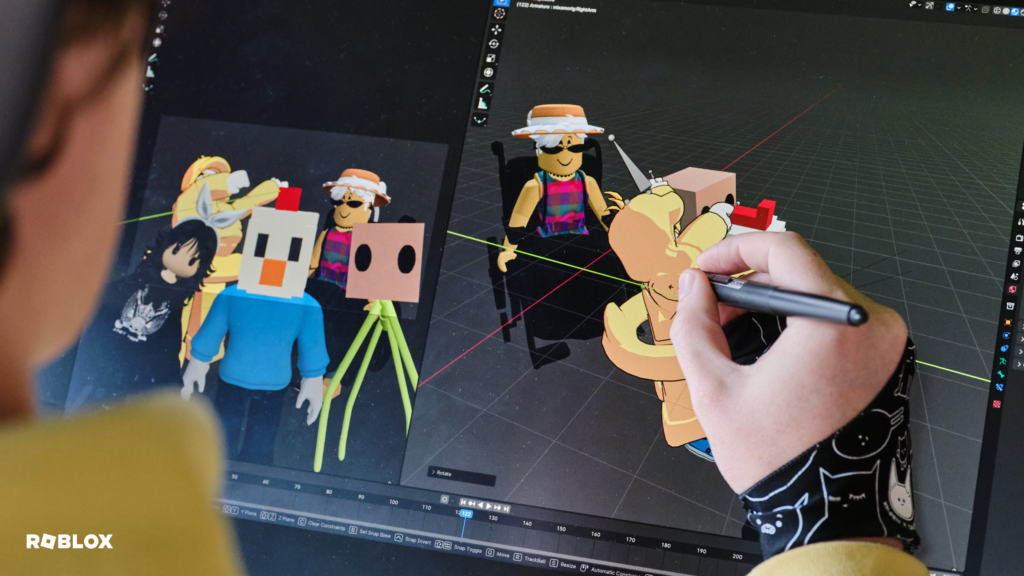
Roblox detects the language of the text a game sends to text-to-speech and compares it with the language setting of each player in the server. If they are different and both are supported, the line is translated and spoken by a matching voice in the player’s language (for example, a female English voice becomes a female voice in Portuguese). The feature is on by default, but developers can turn it off, and for now it only covers speech generated live in the game, not pre-recorded audio. Roblox plans to extend it to more audio and more languages next year.
Pros and cons
- Players from different countries can understand the same game dialogue
- Licensed badge makes official brand items easier to spot
- Clearer, synced permissions for groups
- Only works in games that use text-to-speech
- 11 of the 17 languages Roblox supports overall
- Machine translation can still miss context or slang
Licensed vs. unlicensed brand items
| Item type | Badge | Official? | Notes |
|---|---|---|---|
| Made under a Roblox Marketplace license | ✅ Licensed | Yes | Creator has permission to use the brand |
| Brand look-alikes without a license | ❌ None | No | May be knock-offs and can be removed |
Step by step: what to check
- Make sure your Roblox account language is set correctly in Settings, since translation follows it.
- Play a game that uses text-to-speech dialogue to hear translated lines.
- Before buying a brand-themed avatar item, look for the Licensed badge in the Marketplace.
- If you own or manage a group, open its roles and permissions and review the migrated settings.
➜ Read Roblox’s official recap
Frequently asked questions
Does this translate voice chat?
No. It translates speech generated by text-to-speech in games, such as NPC dialogue, not what other players say on voice chat.
Do I need to turn translation on?
No. It is on by default, but it only works in games that use text-to-speech, and developers can switch it off.
Is Portuguese supported?
Yes. Portuguese is one of the 11 languages, along with Spanish, English, French, German, Italian, Arabic, Hindi, Japanese, Korean and Mandarin Chinese.
What does the Licensed badge mean?
It shows that the avatar item was made by a creator with an official license to use that brand or franchise.
Final thoughts
None of these changes is flashy, but together they make Roblox easier to play across languages and safer to shop on. If you buy brand-themed items, the Licensed badge is the simplest way to know you are getting the official version.
Sources: Roblox Developer Forum – Weekly Recap, October 5–9, 2026; Roblox Developer Forum – Automatic Translation for Text-to-Speech
By the Annedehaas Games Team