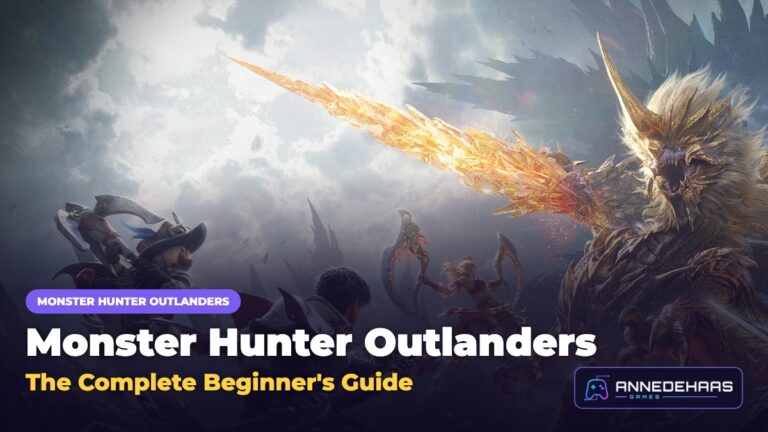


Monster Hunter Outlanders System Requirements: Will It Run on Your Phone?
Monster Hunter Outlanders brings big monsters, open-world exploration and flashy effects to your phone, so it is fair to ask whether your device can handle it. Here are the minimum and recommended requirements for Android and iPhone, how much space you need, and the settings that keep the game smooth.
The good news: the launch requirements are much lighter than many players expected. New to the game? Start with our Monster Hunter Outlanders beginner’s guide.
Key facts
- Platforms: Android and iOS, free to play
- Launch date: October 29
- Download size: about 16 GB on Android and about 20 GB on iPhone
- Minimum: Android 9 with 4 GB of RAM, or iPhone 8 Plus on iOS 15
- Recommended: Snapdragon 8 Gen 2 with 8 GB of RAM, or iPhone 13 Pro on iOS 17
In this guide
Monster Hunter Outlanders Android requirements
| Minimum | Recommended | |
|---|---|---|
| Android version | Android 9 | Android 12 |
| Processor | Snapdragon 835 or Dimensity 920 | Snapdragon 8 Gen 2 or Dimensity 9200 |
| RAM | 4 GB | 8 GB |
| Storage | About 16 GB free | About 16 GB free, plus room for updates |
The minimum gets the game running on lower graphics. The recommended setup is what you want for high settings and a steady frame rate during big fights.
Monster Hunter Outlanders iPhone requirements
| Minimum | Recommended | |
|---|---|---|
| iOS version | iOS 15 | iOS 17 |
| Device | iPhone 8 Plus | iPhone 13 Pro |
| RAM | 3 GB | 6 GB |
| Storage | About 20 GB free | About 20 GB free, plus room for updates |
RAM is the detail to watch on iPhone. The game asks for at least 3 GB, which is why the iPhone 8 Plus makes the cut while the regular iPhone 8 does not.
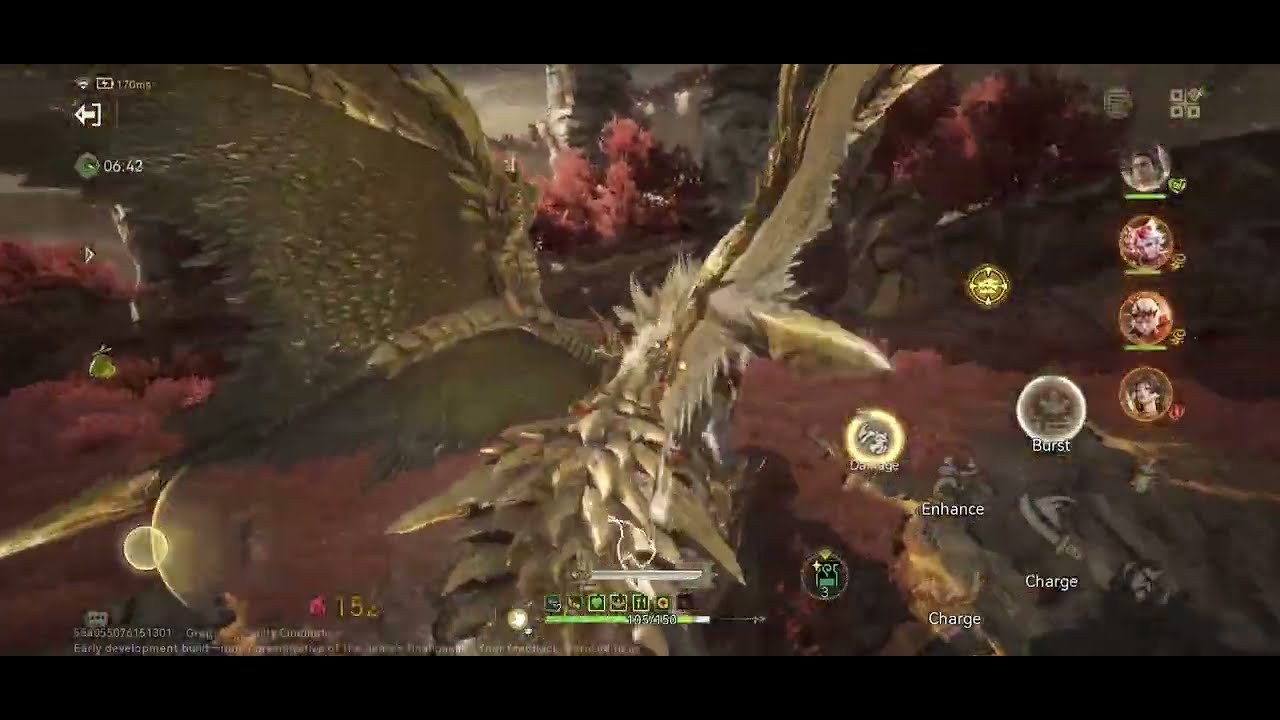
Which phones can run Monster Hunter Outlanders
These are examples to help you place your phone. If yours has a similar or newer chip and the same amount of RAM, you are in the same group.
| Experience | Android examples | iPhone examples |
|---|---|---|
| Runs well on high settings | Galaxy S23 series or newer, OnePlus 11 or newer, phones with Snapdragon 8 Gen 2, 8 Gen 3 or 8 Elite | iPhone 13 Pro, iPhone 14 and newer |
| Playable on medium or low | Older flagships and upper mid-range phones with 6 to 8 GB of RAM | iPhone X, XS, 11, 12 and the regular iPhone 13 |
| Bare minimum | Phones with a Snapdragon 835 or Dimensity 920 class chip and 4 GB of RAM | iPhone 8 Plus |
| Not supported | Phones below Android 9 or with less than 4 GB of RAM | iPhone 8 and older models with less than 3 GB of RAM |
You may still see older numbers online, like a Snapdragon 888 and 40 GB of storage. Those came from the closed beta period. The launch version needs less, so go by the tables above.
How much storage you need
The download is about 16 GB on Android and about 20 GB on iPhone. Updates and new events add more over time, so keep at least 5 GB of extra space free. If you are short on room, delete apps you don’t use, clear saved videos and install the game on internal storage instead of a memory card.
How to check your phone
- On Android: open Settings, then About phone. You will see your Android version and RAM. For the processor, search your phone’s model name online or install a free app like CPU-Z.
- On iPhone: open Settings, then General, then About to see your model and iOS version.
- Check free space: Settings, then Storage on Android, or Settings, then General, then iPhone Storage on iOS.
➜ Get Monster Hunter Outlanders on Google Play
Best settings to avoid lag
If the game stutters, change these one at a time and test a hunt after each change:
- Lower shadows and effects first. They cost a lot of performance and you will barely notice the difference.
- Drop the resolution or graphics preset before you lower the frame rate. A steady frame rate matters more for dodging.
- Close background apps so the game has as much RAM as possible.
- Turn off battery saver. It slows your processor down on purpose.
- Keep your phone cool. Remove thick cases during long sessions and avoid playing while it charges if it gets hot. Heat makes phones slow down.
- Use Wi-Fi for co-op. A stable connection helps when you hunt with friends.
Frequently asked questions
Can Monster Hunter Outlanders run on 4 GB of RAM?
Yes, 4 GB is the minimum on Android. Expect low settings and close every other app before you play.
Does Monster Hunter Outlanders work on iPhone 11?
Yes. The iPhone 11 is above the minimum. It runs best on medium settings.
Is there a PC version?
No. The game is only on Android and iOS for now. Android emulators are not officially supported, so use them at your own risk.
Why does the game feel slower after a while?
Usually because the phone gets hot and slows itself down. Lower the graphics, take a short break and let it cool.
Do I need an internet connection?
Yes. The game is online, so you need Wi-Fi or mobile data to play.
Final thoughts
Monster Hunter Outlanders is lighter than it looks. Most phones from the last few years can run it, and any recent flagship handles it on high settings. If your phone sits near the minimum, lower shadows and effects, close background apps and keep it cool. Once you are in, check our adventurers tier list to build your first team.