

How to Play Monster Hunter Outlanders With Friends (Co-op Guide)
Monster Hunter has always been better with friends, and Monster Hunter Outlanders keeps that tradition on your phone. Up to four hunters can take on the same monster together. This guide shows how to unlock co-op, invite friends, find random players and get the most out of every group hunt.
If you have not started yet, read our Monster Hunter Outlanders beginner’s guide first, then come back here once you reach Chapter 1’s final quests.
Key facts
- Party size: up to 4 players
- Unlock: clear the Chapter 1 story quest “Ready for Another Adventure!”
- Where: the Squad Lobby, from the party screen
- Ways to play: Create Squad, Join, Match and Assist Matchmaking
- No friends online? AI adventurers can fill the empty slots
How to unlock co-op
Multiplayer is not available from the very first minute. You need to finish the Chapter 1 story quest called “Ready for Another Adventure!”. Once you clear it, the Squad Lobby opens and you can start hunting with other players.
If you are stuck before that quest, upgrade your weapon and armor and make sure your team uses adventurers that fit your playstyle. Our adventurers tier list helps you pick strong partners for the story.
How to add and invite friends
- Open the Friends menu. Search for your friend by their full in-game name or player ID.
- Send a friend request and wait for them to accept it.
- Create a squad. In the Squad Lobby, choose the hunt you want to do.
- Tap a + slot on the party screen and pick your friend from the list.
- Start the hunt once everyone is in and ready.
Once someone is on your friends list, you can also see when they are online and send them private chat messages, which makes planning a hunt much easier.
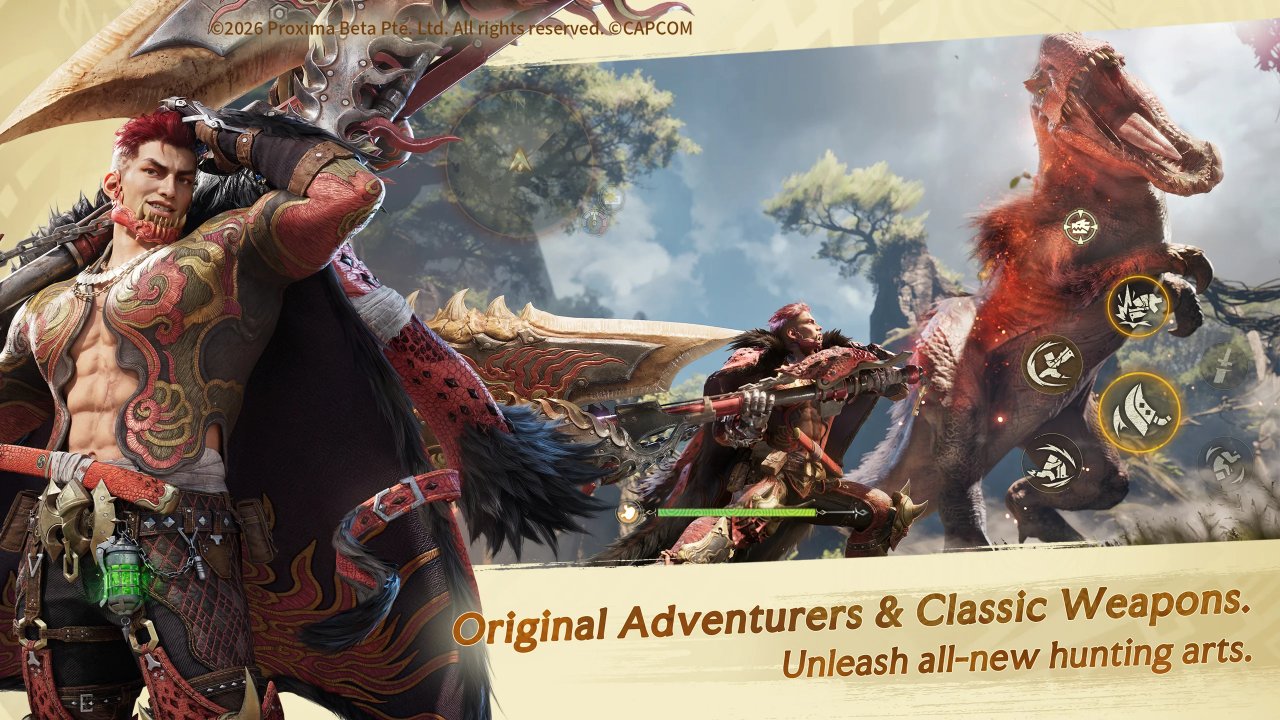
Squad Lobby options explained
The Squad Lobby gives you four ways to start a group hunt:
| Option | What it does | Best for |
|---|---|---|
| Create Squad | You pick the hunt and fill the slots with friends or other players | Playing with people you know |
| Join | Enter a party that is already recruiting for the hunt you chose | Jumping in quickly when groups are open |
| Match | Automatically groups you with players who chose the same hunt. If the wait is long, AI adventurers fill the gaps | Fast random hunts |
| Assist Matchmaking | Drops you into a random quest where someone asked for help | Helping others and earning co-op rewards |
Keep in mind that only Free Hunt and Marathon Hunt can be chosen directly from the Squad Lobby. If you cannot join a party, it usually means nobody is recruiting for that hunt right now, so try Match instead.
Party settings for leaders
When you create a squad, you are the party leader and you control who gets in:
- Recruit: tap it to call other players into your empty slots.
- Open or private: keep the party private when you only want friends.
- Adventurer Rank limit: set a minimum rank so new players do not join a hunt that is too hard for them.
- Who can invite: decide whether only you or every member can bring people in.
- AI Fill-In: fill empty slots with AI adventurers so you can play co-op content even when nobody is online.
Why co-op is worth it
Group hunts are not only more fun, they also give you real advantages:
Benefits
- A powerful Co-op Skill becomes available during the fight
- Every player brings their own Ultimates, so you have more tools
- Assist Matchmaking pays Co-op Exchange currency for the shop
- Free Hunts drop weapon and armor materials, plus first-clear rewards
Watch out for
- Monster health goes up with each extra player
- A weak connection can disrupt the whole hunt
- Random players may not coordinate with you
- Some privacy settings block invites by default
The Co-op Skill is the big one. When you knock the monster down while it is active, the damage multiplier goes up, so time your attacks with your team. The Co-op Exchange shop sells Visage enhancement materials and a limited number of Standard Contracts, which makes Assist Matchmaking a smart way to spend spare time.
Regular Apex Challenge events are also built for groups. They are hard, but they are the way to craft exclusive weapons, so bring your best team.
Tips for better group hunts
- Use Wi-Fi. A stable connection matters more in co-op than anywhere else. If your phone struggles, check our system requirements guide and lower your graphics.
- Mix your weapons. A team with a mix of ranged and melee weapons covers more weak points. See our best weapons tier list to plan your roles.
- Turn on voice chat with friends. The party screen has buttons for chat and voice. Calling out when the monster is about to fall helps everyone use the Co-op Skill at the right time.
- Do not steal the spotlight. Hit the monster from different sides so it cannot focus on one player.
- Check your settings before playing with strangers. Some options reject invites or friend requests, so look at the features tab in the settings menu.
- Leave properly. To exit a co-op hunt, tap the door icon at the top of the screen, next to the party display.
Frequently asked questions
How many players can hunt together in Monster Hunter Outlanders?
Up to four players can join the same hunt.
Why can’t I play co-op yet?
You must first clear the Chapter 1 story quest “Ready for Another Adventure!”. Multiplayer unlocks after it.
Can I play co-op content alone?
Yes. Turn on AI Fill-In and AI adventurers will take the empty slots. Match also fills slots with AI if the wait gets long.
Is there crossplay between Android and iPhone?
The game is on both Android and iOS, but there is no clear official confirmation yet that the two platforms share the same matchmaking. We will update this guide when that changes.
Is co-op harder than solo?
Monsters get more health with more players, but four coordinated hunters plus the Co-op Skill usually finish faster than one.
Final thoughts
Co-op is where Monster Hunter Outlanders shines. Clear “Ready for Another Adventure!”, add your friends by name or ID, and start with Create Squad or Match. Use Assist Matchmaking when you have spare time to earn Co-op Exchange currency, and save the hard Apex Challenges for a full team that talks on voice chat. And before your next session, grab the free items in our Monster Hunter Outlanders redeem codes list.